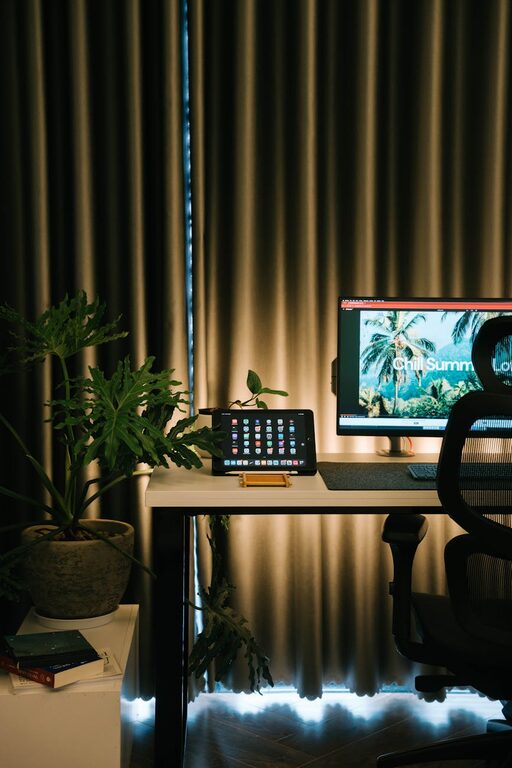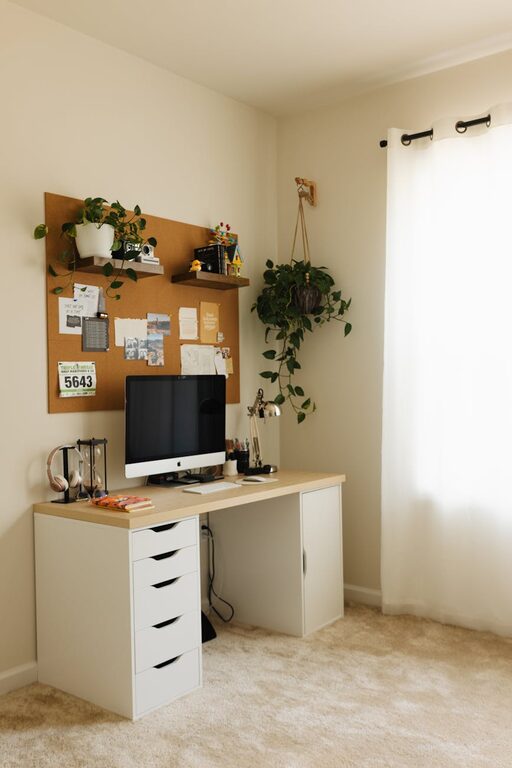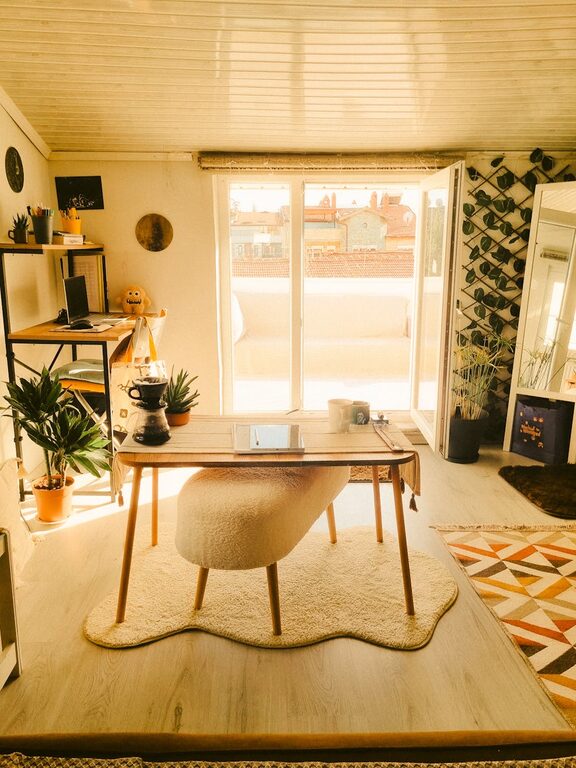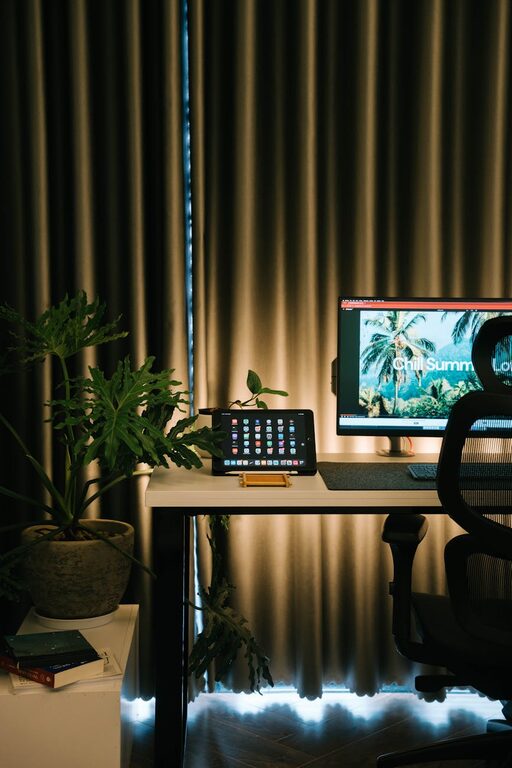
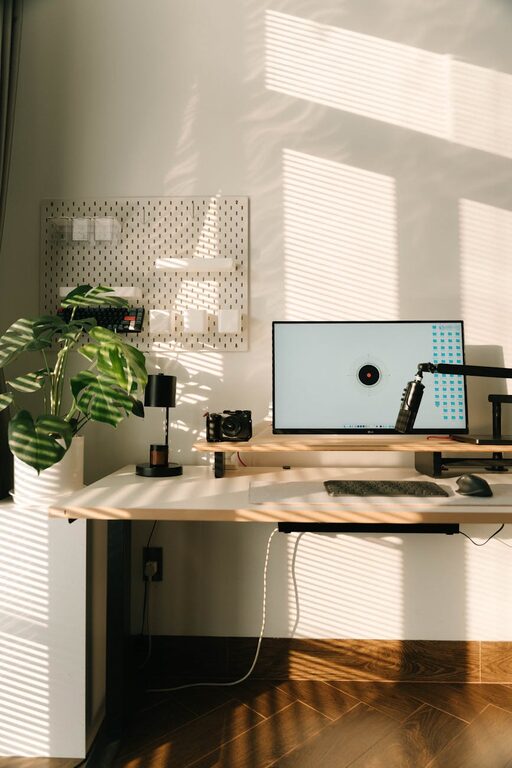
Creating a home workspace that balances relaxation and productivity can significantly improve your work-from-home experience. Whether you’re setting up a new office or revamping an existing area, small adjustments can make a big difference in how you feel and perform throughout the day. Here are some practical tips to help you design a space that keeps you motivated, comfortable, and calm.
1. Choose the Right Location
Consider Natural Light
Select a spot with plenty of natural light. Sunlight helps regulate your body’s internal clock, improves mood, and reduces eye strain. If possible, position your desk near a window, but avoid glare directly on your screen.
Minimize Distractions
Find a quiet area away from household traffic and noisy appliances. If this isn’t possible, consider noise-canceling headphones or soft background music to maintain focus.
2. Invest in Comfortable Furniture
Ergonomic Chair
A good chair supports your posture and reduces back pain. Look for one with adjustable height, lumbar support, and comfortable padding.
Desk at the Right Height
Your desk should allow your elbows to bend at a 90-degree angle when typing. Adjustable desks or those designed for sitting and standing can improve circulation and energy levels.
3. Declutter and Organize
Keep Essentials Handy
Only keep items you use daily on your desk. Store other supplies in drawers or shelves nearby to reduce visual clutter.
Use Organizational Tools
Desk organizers, cable management systems, and filing trays help keep your workspace tidy and functional.
4. Personalize Your Space
Add Plants
Indoor plants can improve air quality and add a calming touch to your environment. Small succulents or easy-to-care-for plants like snake plants are great options.
Display Meaningful Items
Photos, artwork, or inspirational quotes can make your workspace feel welcoming and motivate you throughout the day.
5. Optimize Lighting
Use a Combination of Light Sources
Your workspace should have ambient lighting and a task light. A desk lamp with adjustable brightness helps reduce eye strain while working on detailed tasks.
Choose the Right Bulbs
Daylight or cool white bulbs (around 5000K) promote alertness, while warmer tones create a cozy atmosphere for breaks.
6. Maintain a Comfortable Temperature
Consider Your Climate
Make sure the room has adequate ventilation and temperature control. Use a fan or small heater as needed to maintain your comfort.
Dress Appropriately
Wearing comfortable clothing suitable for the room temperature also helps you stay focused and relaxed.
7. Incorporate Break Zones
Define a Separate Area for Relaxation
If space allows, set up a comfortable chair or small couch near your workspace. Taking short breaks here can help refresh your mind.
Practice Stretching and Movement
Set reminders to stand up, stretch, or walk around every hour. This increases blood flow and reduces fatigue.
8. Manage Technology Wisely
Keep Screens at Eye Level
Position your monitor so the top is at or slightly below eye level. This prevents neck strain.
Limit Distractions from Devices
Turn off non-essential notifications and consider apps that block distracting websites during work hours.
9. Use Calming Colors
Choose Soothing Tones
Colors like soft blues, greens, or muted neutrals help create a peaceful atmosphere.
Avoid Overly Bright or Bold Colors
These can be energizing but may also cause distraction or anxiety if overused.
10. Establish a Routine
Set Work Hours
Having consistent start and end times reinforces work-life boundaries, helping you stay productive without feeling overwhelmed.
Create a Morning Ritual
Begin your day with a routine that signals it’s time to work, such as making a cup of coffee or reviewing your to-do list.
—
By thoughtfully designing your home office with comfort and productivity in mind, you can create an environment that supports both your mental well-being and your professional goals. Remember, the best workspace is one that reflects your personal needs and encourages a healthy balance between focused work and relaxation.
About the Author